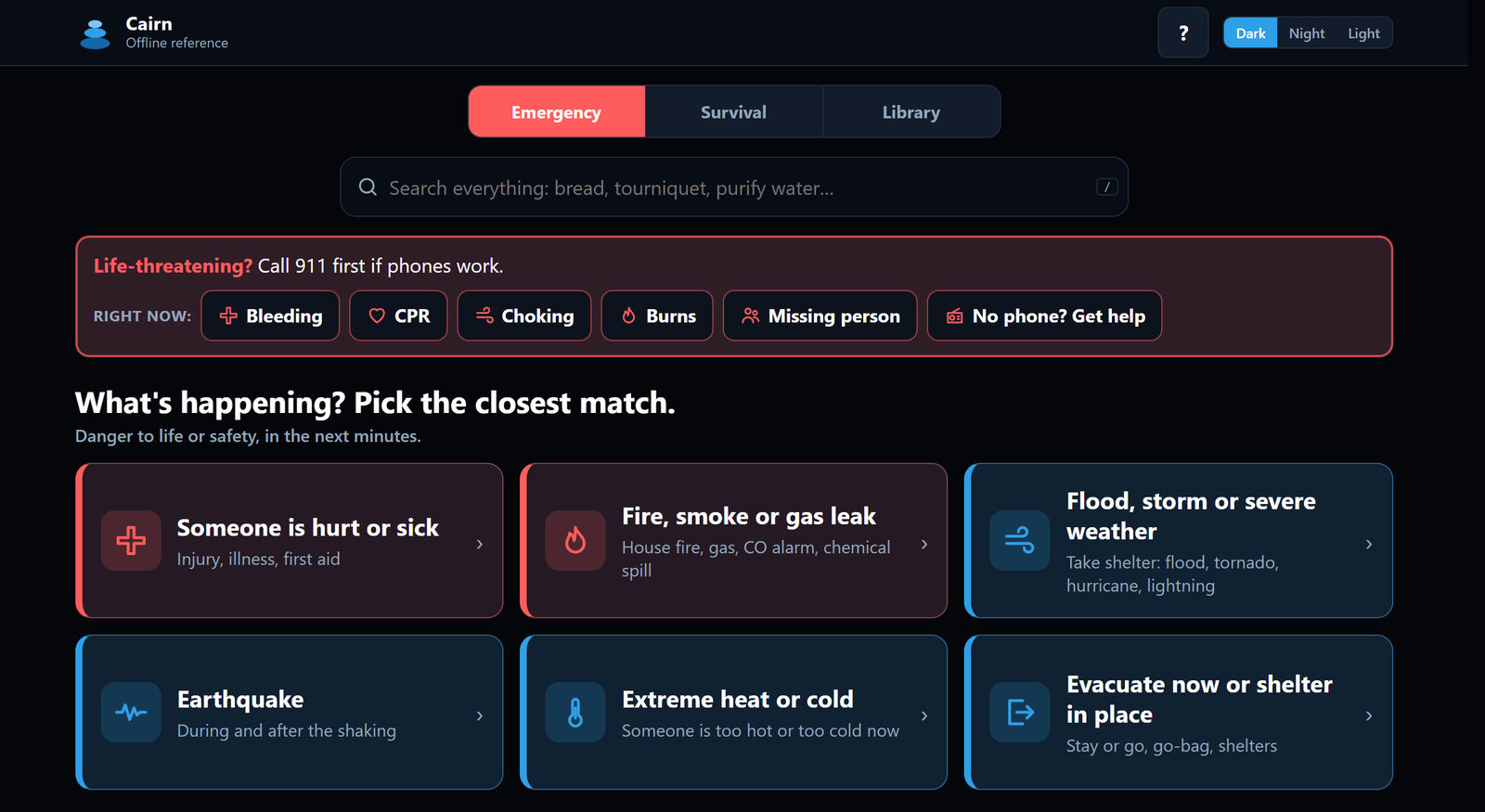
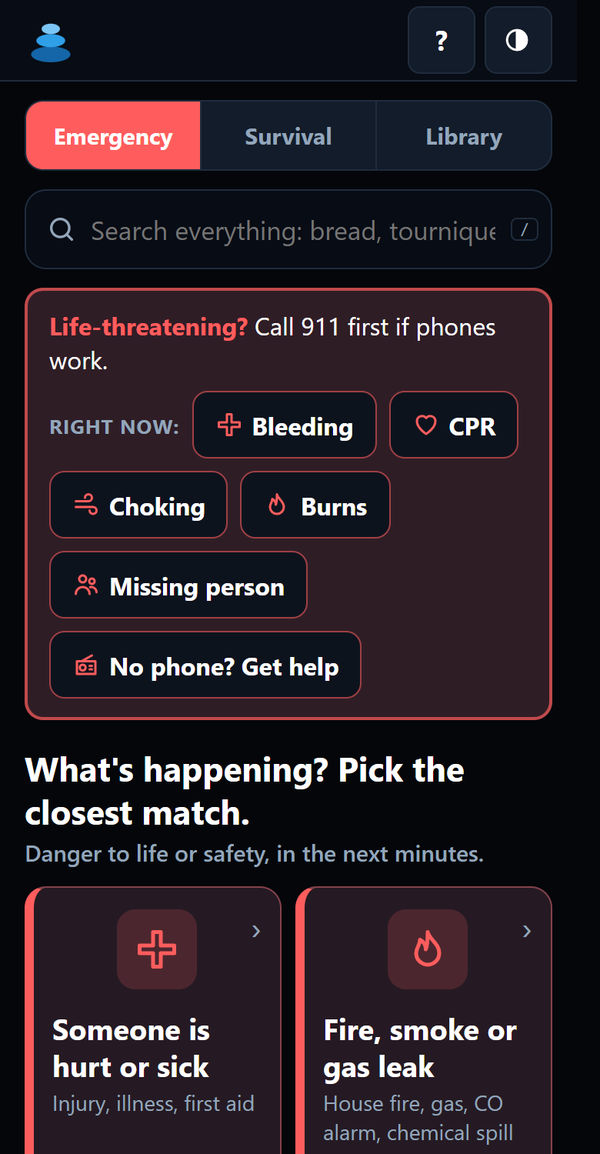
Emergency screens
Tap what's happening (bleeding, fire, flood, lost, no power…) and Cairn shows what to do first, then what next.

Step-by-step emergency guides, maps and a whole reference library on one drive.
What's inside
Plug in the drive and open index.html in a browser. Everything below is on the drive.
Tap what's happening (bleeding, fire, flood, lost, no power…) and Cairn shows what to do first, then what next.
Safe water, food and preserving, power, medicine, home repair, homestead and old-time trades (blacksmithing, pottery, casting, wells, draft animals) for days, weeks or longer.
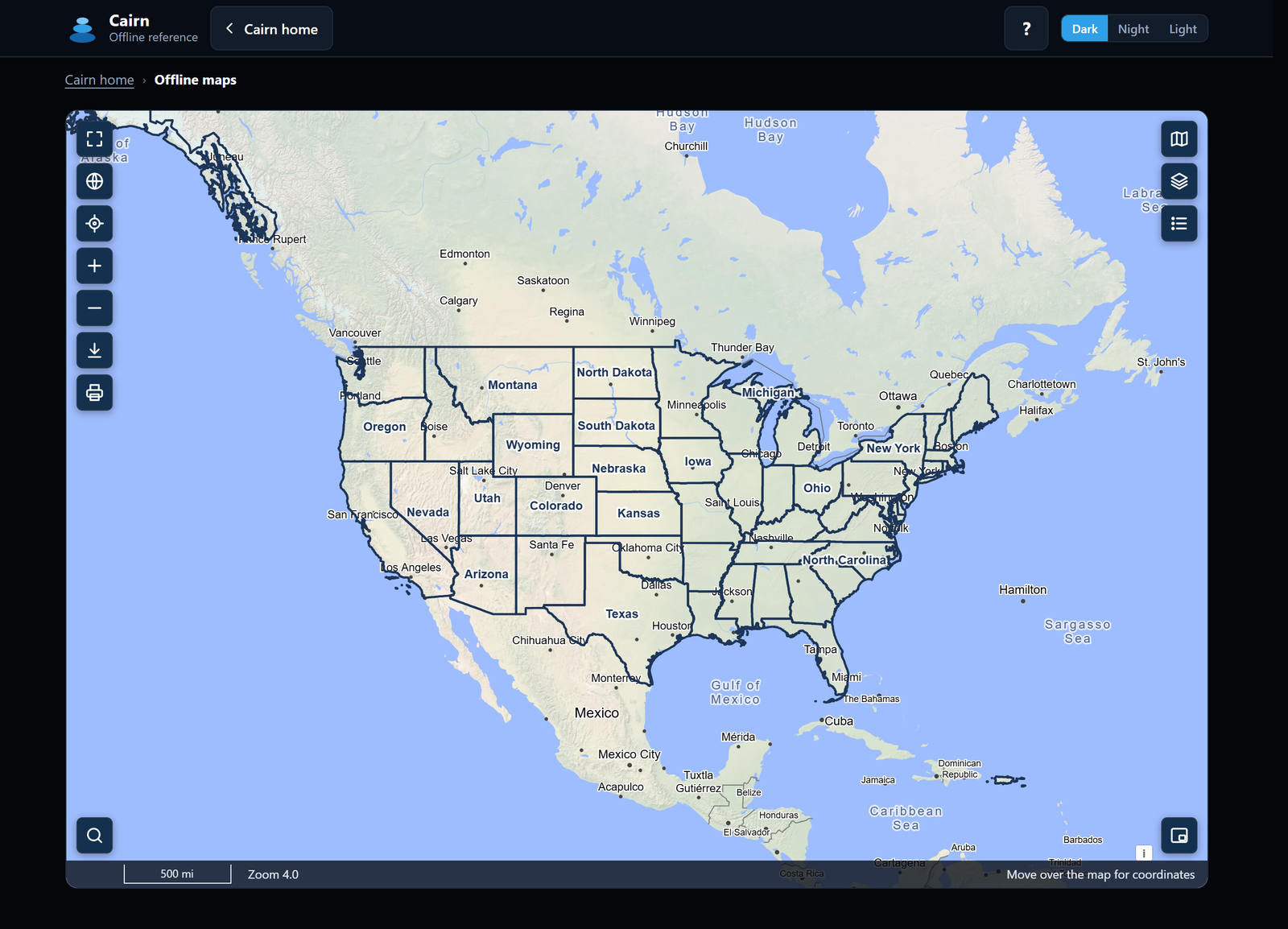
Wikipedia, medical encyclopedias, field manuals, textbooks, classic books, and an offline street map of all 50 states.
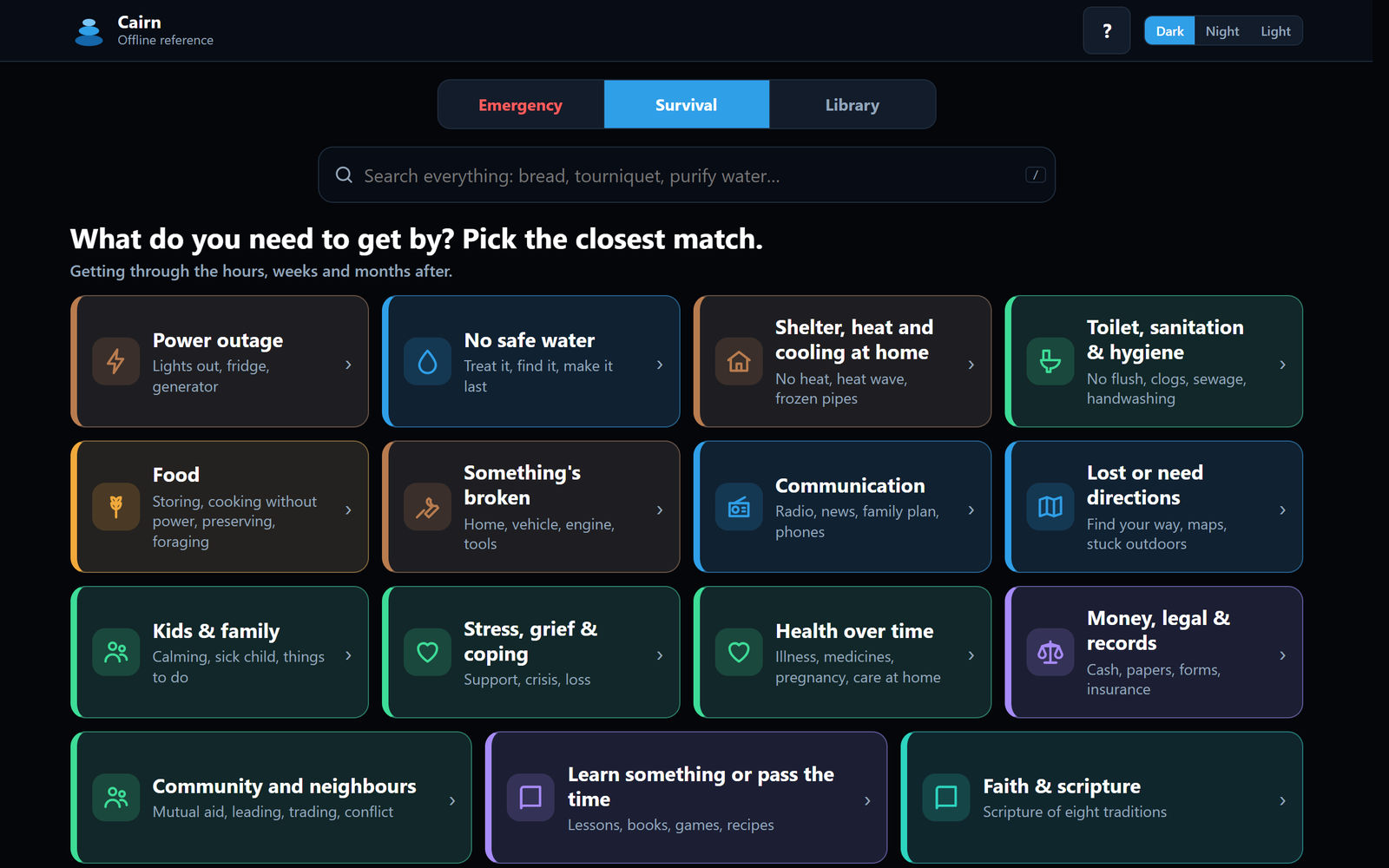
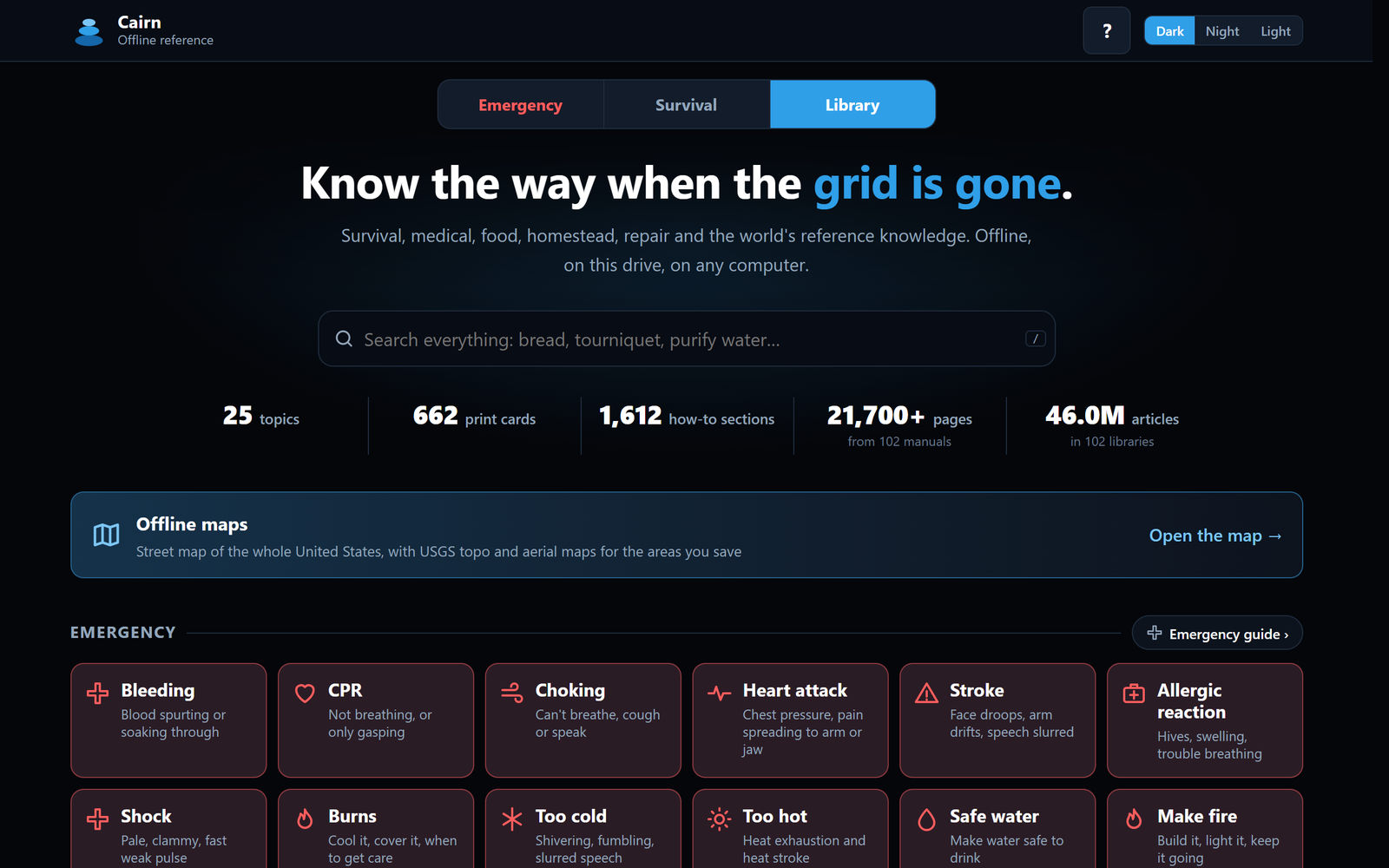
25 topics
How it works
Double-click index.html on the drive. It opens in your browser.
Run START to search inside every library on the drive.
Run SHARE. Phones on the same Wi-Fi scan a QR code.
About phones: Cairn runs on a Windows, Mac or Linux computer. Phones read it over Wi-Fi from a laptop that's sharing it (scan a QR code), or from the Base Station.
Compare
| Feature | Pocket 128 | Pocket 256 | Full library |
|---|---|---|---|
| Fits on | 128 GB stick | 256 GB stick | 1 TB drive |
| Guides, emergency screens, printable cards, 100+ manuals | ✓ | ✓ | ✓ |
| Street map, all 50 states | ✓ | ✓ | ✓ |
| Medical libraries | ✓ | ✓ | ✓ |
| Precious metals calculator, family games | ✓ | ✓ | ✓ |
| Wikipedia | Top 1 million articles, text | Every article, text | Every article, with pictures |
| Dictionary (Wiktionary) | — | ✓ | ✓ |
| Survivor Library (1800s how-to books) | — | 4,500-book selection | 4,500-book selection |
| Español | Core shelf | Core shelf | Full Spanish shelf |
| Kids | Kids' encyclopedia, games | Kids' encyclopedia, games | Adds picture-book libraries |
| Download | $19 | $29 | $39 |
| Ready to use | — | $99 Pocket | $199 Home · $499 Base Station |
Swipe the table sideways to see every edition.
Buy Cairn
Download it to your own drive, or get one built, loaded and tested by RoamRock.
Use your own drive. One-time price.
Download
Fits on a 128 GB thumb drive
One-time purchase
Download
Fits on a 256 GB thumb drive
One-time purchase
Download
Fits on a 1 TB drive or larger
One-time purchase
After you pay you get a download key. The free Cairn Setup app downloads everything onto your drive and checks every file. Then open index.html on the drive.
Cairn Setup runs on Windows. On Mac or Linux a setup script does the same job; step-by-step instructions are on your order page.
Built, loaded and tested by RoamRock. Plug it in and open it.
Drive
256 GB keychain flash drive
Pocket 256 edition, ready to use
Drive
1 TB portable SSD, everything
Full library, ready to use
Base Station
Always-on box with its own Wi-Fi and battery backup
For a homestead, church or group
An add-on for your Cairn. Not on sale yet.
Card or bank payment on Stripe's secure checkout. Your card and bank details never reach us. Questions before you buy? Contact us.
Questions
Any USB drive from a brand you trust, at least as big as your edition: 128 GB for Pocket 128, 256 GB for Pocket 256, and 1 TB or larger for the Full library (at that size a portable SSD is usually much faster than a thumb drive).
Format it as exFAT so it works on Windows, Mac and Linux. On Windows: right-click the drive in File Explorer, choose Format, pick exFAT. On a Mac: Disk Utility, Erase, pick ExFAT. Formatting erases the drive.
It's big: about 110 GB for Pocket 128, 225 GB for Pocket 256 and 550 GB for the Full library. The time depends on your internet speed. Roughly:
| Edition | At 100 Mbit/s | At 25 Mbit/s |
|---|---|---|
| Pocket 128 (~110 GB) | about 2½ hours | about 10 hours |
| Pocket 256 (~225 GB) | about 5 hours | about 20 hours |
| Full library (~550 GB) | about 12 hours | about 2 days |
Leave the computer on and plugged in while Cairn Setup works, and check whether your internet plan has a data cap. If you'd rather skip the wait, a ready-to-use drive arrives loaded.
Yes. Once Cairn is on the drive it needs no internet, nothing to install and no account: plug in the drive and open index.html in a browser. Only the first download (for the download editions) needs the internet.
No. You pay on Stripe's checkout with your email for the receipt. Your order page and download key are all you need, and you can find your order again any time with its number and your email.
Cairn runs on a Windows, Mac or Linux computer. Phones read it over Wi-Fi from a laptop that's sharing it (run SHARE, then scan the QR code), or from the Base Station.
It's on your Stripe receipt, and on your order page: use Find my order with your order number and the email you paid with.
Contact us (hello@roamrock.com) with your order number and we'll sort it out with you.
No. Guides are general information, not medical or professional advice. In an emergency, call 911 first if phones work.
Emergency guides, maps and a whole reference library on one drive. Downloads from $19, ready-to-use drives from $99.
Guides are general information, not medical or professional advice.